News Archives
No Results Found
The posts you requested could not be found. Try changing your module settings or create some new posts.
There are several ways to zoom in and out on the map.
Select the “+” symbol from the right navigation toolbar to zoom in closer to the center of the map.
Select the “-” symbol from the right navigation toolbar to zoom away from the center of the map.
Use the zoom select tool to click and drag over an area of the map to zoom into.
Avoid using the key command “Control +” or “Command +” on the Mac. This will zoom the browser window and result in an optimized screen view with fewer features.
Use the pan tool to click and drag the map up, down, left, and right to navigate to a location on the map.
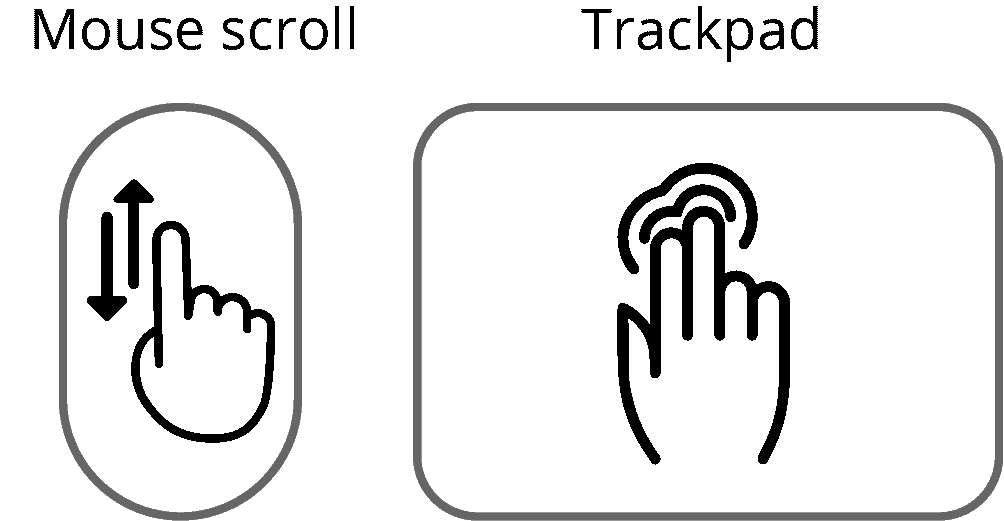
Use your mouse or trackpad to scroll or swipe the map up, down, left, and right.
Be sure your browser zoom settings are reset to 100%. If the browser window is zoomed in or out, it may result in an optimized screen view with fewer features.
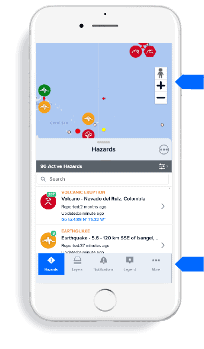
Select the “+” symbol from the right navigation toolbar to zoom in closer to the center of the map.
Select the “-” symbol from the right navigation toolbar to zoom away from the center of the map.
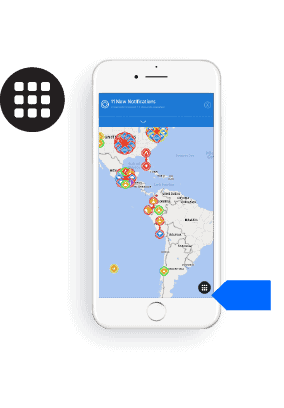
Mobile menu: To locate all application tools and features, close any open windows byclicking the “x” in the top right corner of the app. You will then be able to see and click the mobile menu at the bottom right of your screen.

Click the Hazard Icon on the left toolbar to display the current hazard list. Use the search window to search by hazard name, type, location or other keyword. Scroll down to review all the hazards.
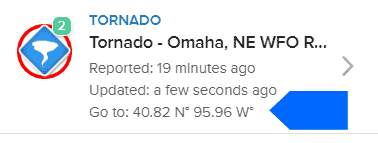
Click on the Go to: coordinates to quickly zoom to a hazard.
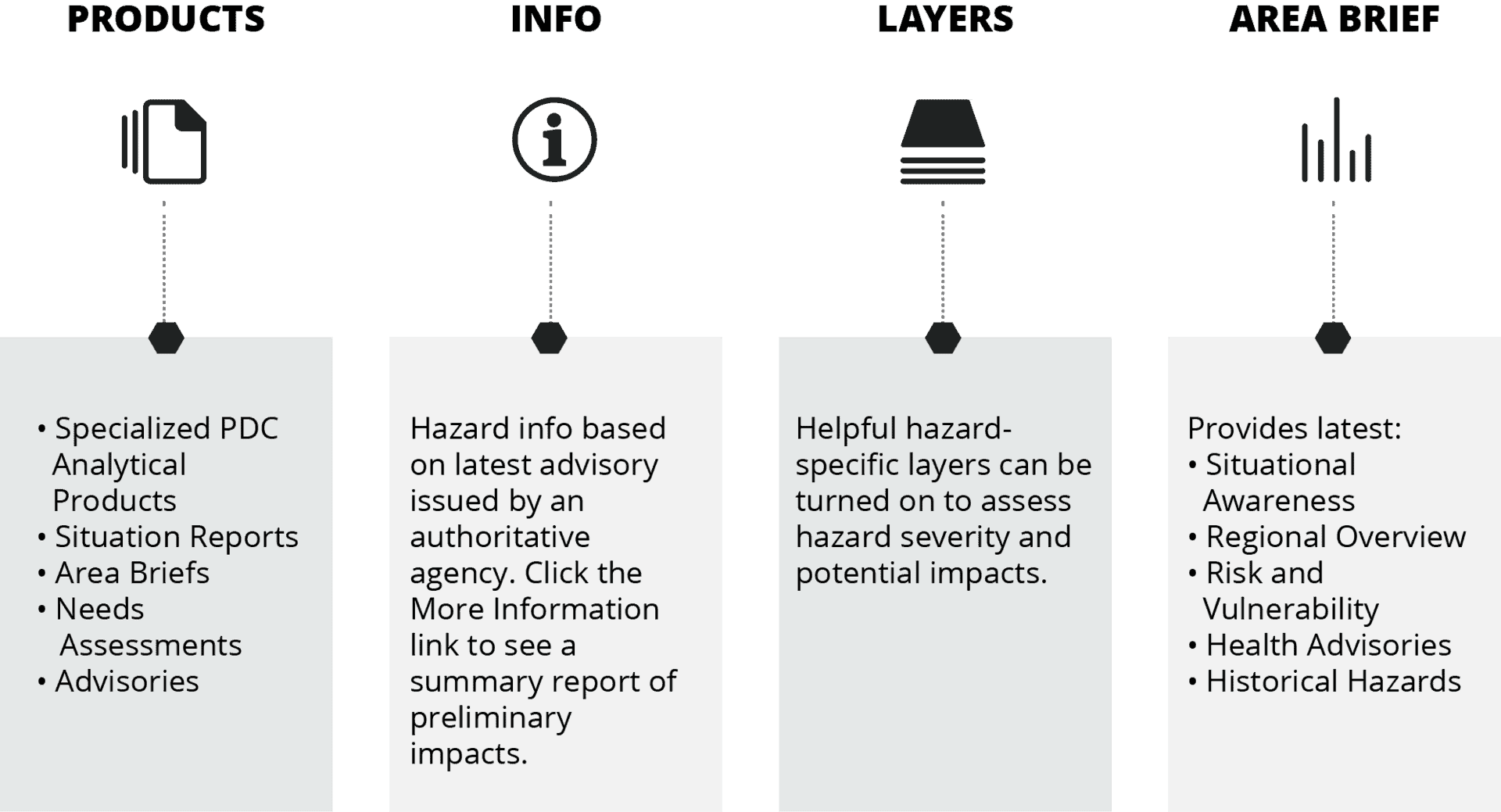
Click a hazard icon on the map to launch the hazard tooltip. From the hazard tooltip, click one of the many “quick links” described below:

The posts you requested could not be found. Try changing your module settings or create some new posts.